
Start with a sound
Listen to a word, hear it in context, and replay it whenever a little extra help is needed.
A little listening, a little word play, a new “I did it!” Easyspell makes room for joyful spelling practice, one short lesson at a time.
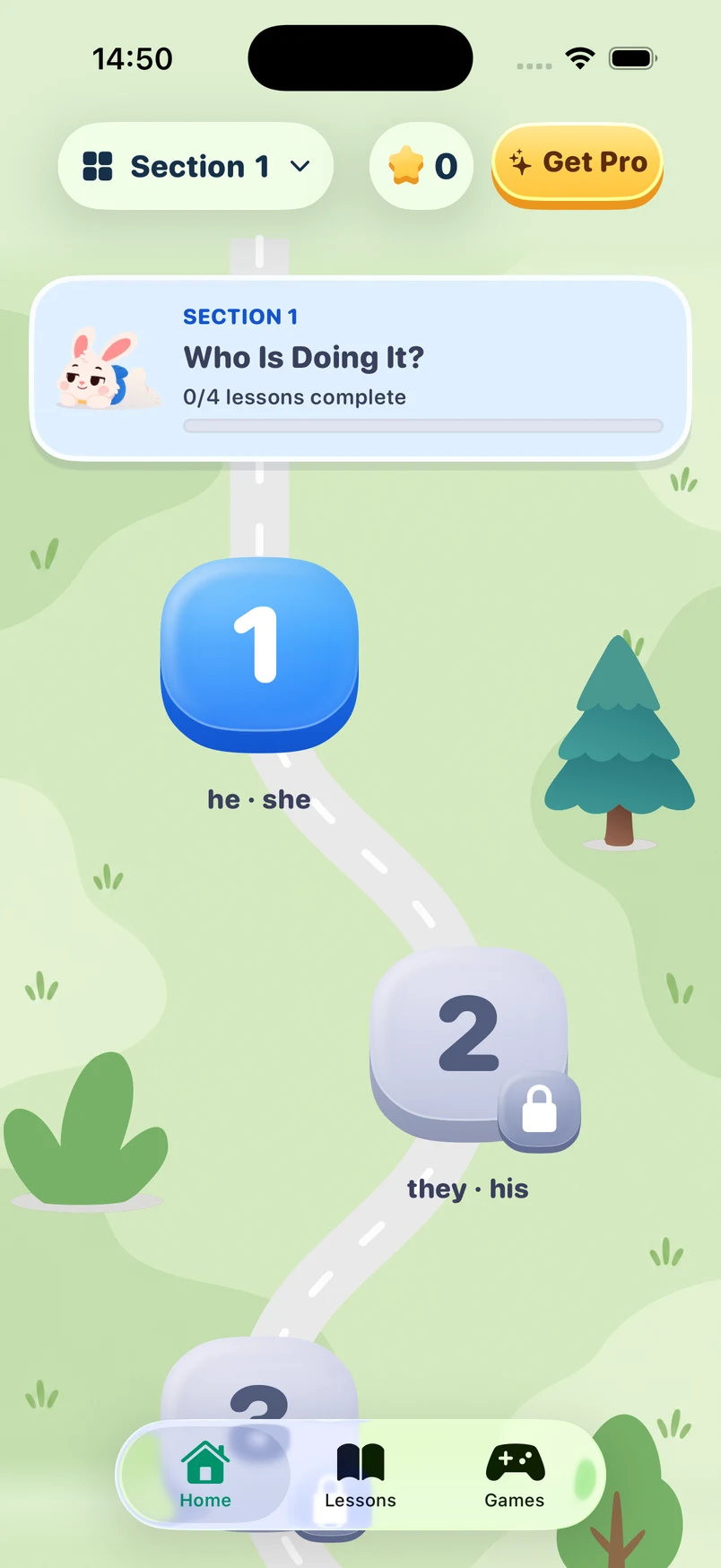
Listen. Discover. Spell.
Learning at their own pace.
Room to learn. Room to grow.
Built around curious kids and the grown-ups cheering them on.
Listen to a word, hear it in context, and replay it whenever a little extra help is needed.
Explore letters and sounds through word building, spelling, and playful practice.
A colorful learning journey gives each short lesson a place — and your child a way forward.
Add a spelling list from a photo, review it together, and make practice feel familiar.
The grown-ups area brings practice and learning progress into one place for you.
Space to listen again, try again, and enjoy finding the answer. Small wins are still wins.
A peek inside Easyspell
A friendly place to listen, explore, and have another go.
Find the next lesson and keep the learning journey moving.
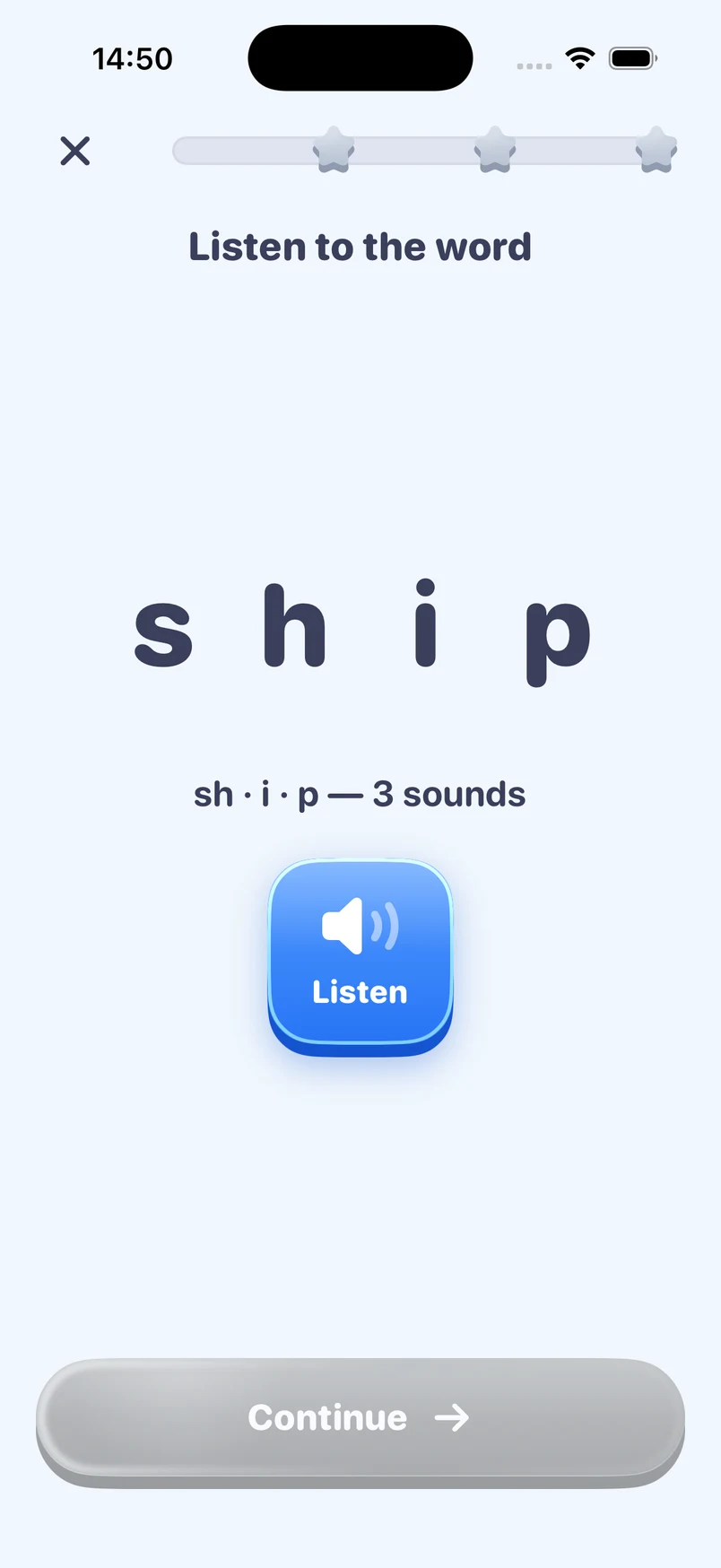
Hear sounds, explore letters, and build understanding one word at a time.
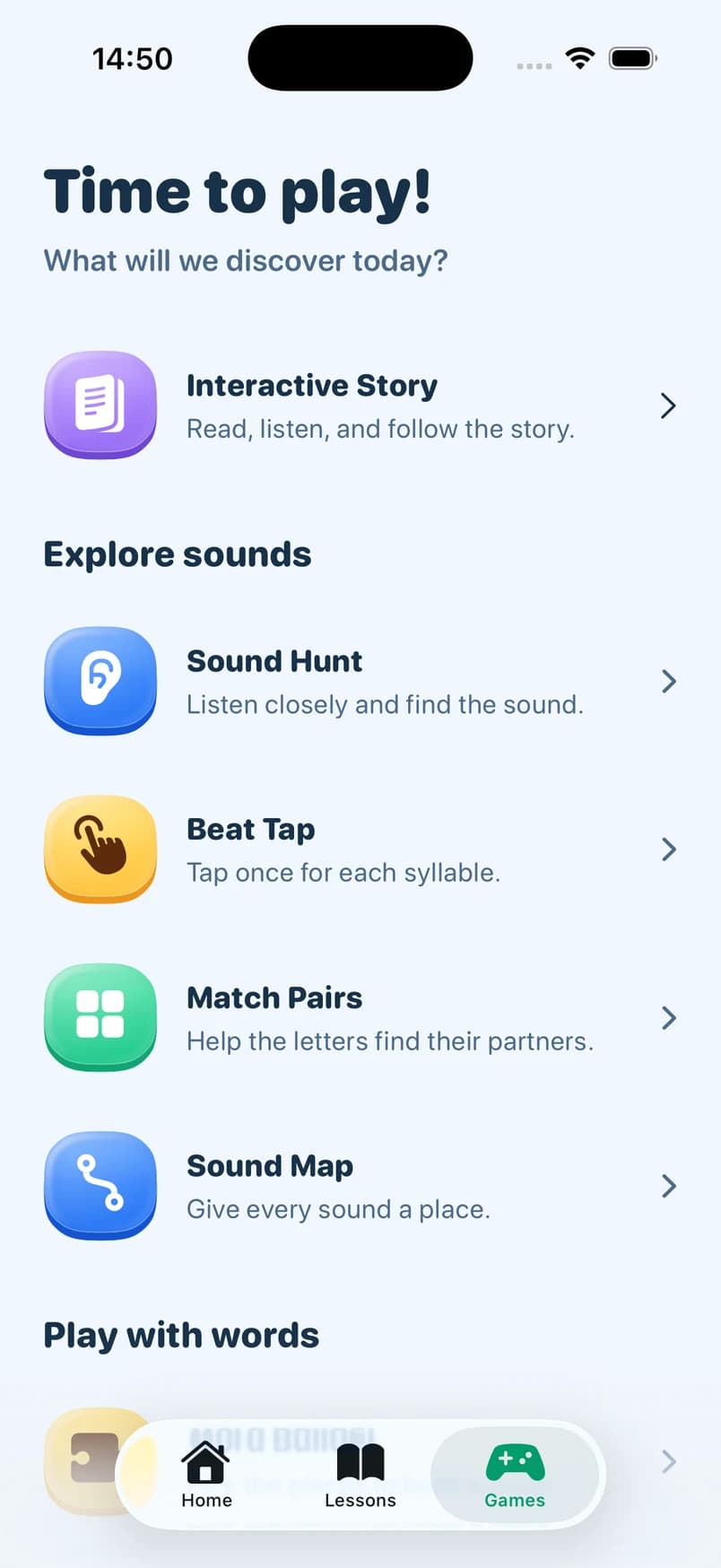
Bring listening, spelling, and word play together in short activities.
iOS example screens shown. Available activities may vary by grade and platform.
The weekly ritual
Open Easyspell, tap the camera, capture the weekly list. Review the words together before practice.
Kid plays through listen, sentence, and spell levels. Mastery sharpens around shaky words.
Easyspell gives extra reps to the words that are still wobbly before the test.
Look back at the week together. Celebrate the words that feel easier and make room for the next small step.
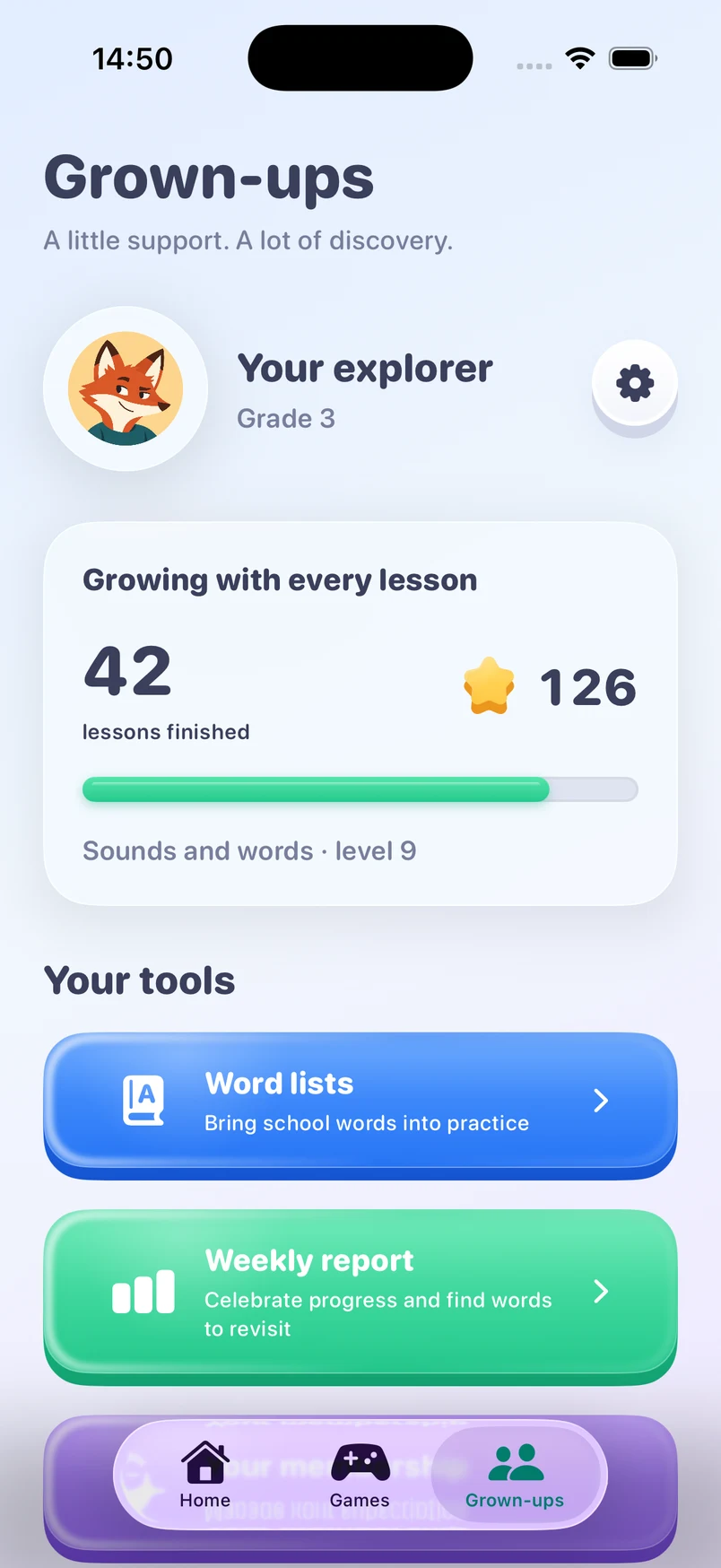
For their biggest supporter
Stay close to their learning without turning every little lesson into a big project.
Find learning progress in the grown-ups area.
A few focused minutes can fit into a busy school week.
Parent controls give you a place to manage the experience.
FAQ
Designed for US elementary school kids (grades 1–5) and the parents who sit with them for weekly spelling practice. Parents set up the list, kids do the practicing.
No. Easyspell creates a private, pseudonymous installation identity so you can start without a sign-in form. Your lists and progress can sync to the service without a public child account.
Easyspell is free to download and includes introductory practice. Easyspell Pro offers more learning and practice through an auto-renewing subscription. Free access can vary by platform and version; check the app for the current allowance. Current plans and localized prices are shown before purchase in the App Store or Google Play.
We collect only what is needed to personalize practice and sync progress. Raw spelling-list photos and pronunciation recordings are deleted from temporary upload storage after processing, and we do not use child content for advertising. Read the Privacy Policy for details.
Yes. Subscriptions can be canceled in your Apple ID or Google Play subscription settings and remain active until the end of the current billing period.
List import and content generation need a connection. Once a list is ready, daily practice works with a brief sync at the start and end.
For the grown-up
Use your child's school spelling list for a short home routine: hear the word, notice its spelling, try from memory, then check together.
9 min read · Easyspell team · Free printable
Turn Monday's school spelling list into a manageable week. Use this parent plan for short practice, useful corrections and a calm final review.
9 min read · Easyspell team · Free printable
Try six simple spelling games using your child's actual school words. Find clear instructions, worked examples and ways to adjust the challenge.
11 min read · Easyspell team
Help a first grader practice the school spelling list with sounds, letter cards and short writing rounds. See examples and useful parent prompts.
9 min read · Easyspell team
Practice spelling CVC words with short-vowel lists, sound-by-sound examples and a simple check. A parent guide to cat, bed, pin, hot and sun.
8 min read · Easyspell team
Use short and long vowel pairs for silent e spelling practice. Includes cap–cape, kit–kite, worked corrections and exceptions to check.
8 min read · Easyspell team
Compare blends and digraphs with stop, shop, slip and chip. Use sound counters, worked corrections and short spelling checks at home.
8 min read · Easyspell team
Use spelling dictation sentences at home with sample prompts, answer checks and ways to separate spelling from handwriting and punctuation.
9 min read · Easyspell team · Free printable
Practice spelling high-frequency words by noticing regular sound-letter links and unexpected parts. Includes said, was and they with parent examples.
9 min read · Easyspell team
Practice homophone spelling with pair–pear, hear–here and their–there–they’re. Includes original sentence exercises, explanations and an answer key.
8 min read · Easyspell team
Want to see how the app uses your own list? Explore weekly spelling practice.

A little practice. A lot to discover.
Start exploring Easyspell together, or build a free spelling plan for the week ahead.
Also available on Android